
Wireless gaming mice have surged in popularity over the past few years, with top esports professionals and casual gamers alike cutting the cord for good. Yet this shift raises a fundamental question that every buyer must answer: should you connect via Bluetooth or a dedicated USB receiver? The difference between these two wireless technologies goes far beyond simple convenience. Latency, reliability, and connectivity stability can make or break your gaming experience, especially in fast-paced competitive titles where every millisecond counts. Bluetooth offers universal compatibility and a dongle-free setup, while 2.4GHz USB receivers promise near-wired responsiveness through dedicated wireless channels. So which one actually delivers better performance when it matters most? This article breaks down both technologies in a clear, practical comparison designed for tech enthusiasts who want concrete answers. We'll examine how each connection type works, where they excel, where they fall short, and ultimately help you decide which wireless solution matches your gaming needs.
Understanding Wireless Gaming Mice: An Overview
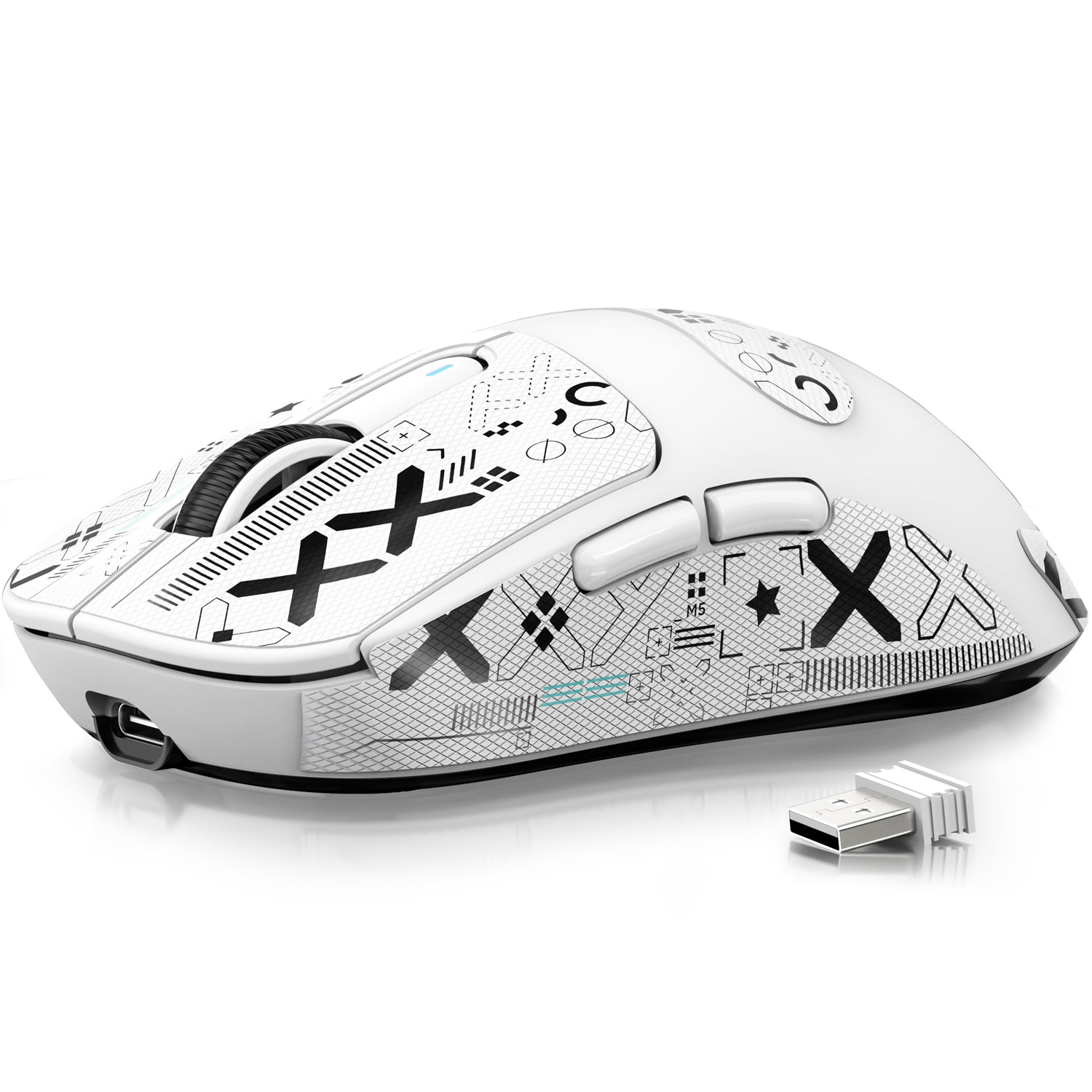
A wireless gaming mouse is a pointing device designed specifically for gaming that transmits input data without a physical cable connection. These peripherals have evolved dramatically from the early days of unreliable wireless connections and noticeable input lag. Modern wireless gaming mice now rival and sometimes match their wired counterparts in responsiveness, thanks to advances in sensor technology and wireless protocols. The core benefits are immediately apparent: unrestricted movement during intense gameplay, a cleaner desk setup, and elimination of cable drag that can affect aim precision. Two primary wireless technologies power these devices. Bluetooth operates through a standardized protocol built into most modern computers, while 2.4GHz connectivity relies on a dedicated USB receiver plugged into your system. The technology you choose directly impacts polling rates, signal stability, and input delay, all factors that determine whether your mouse feels instantaneous or sluggish during critical gaming moments.
Bluetooth Technology for Wireless Gaming Mice
Bluetooth connectivity works by establishing a short-range wireless link between your mouse and a compatible device through a standardized radio protocol. When you pair a Bluetooth gaming mouse, the device enters discovery mode, broadcasts its presence, and your computer authenticates the connection. Once paired, the mouse reconnects automatically whenever it's within range and powered on. Modern gaming mice typically support Bluetooth 5.0 or newer, which improved data transfer speeds and range compared to earlier versions. The protocol operates on the 2.4GHz ISM band but uses frequency hopping across 79 channels to reduce interference. Bluetooth's biggest advantage lies in its universal compatibility: virtually every modern laptop, tablet, smartphone, and many desktops include built-in Bluetooth radios, meaning no additional hardware is required. However, gaming-specific concerns persist. Standard Bluetooth connections typically poll at 125Hz, translating to an 8ms reporting interval, which is noticeably slower than what dedicated wireless solutions achieve. Some manufacturers have implemented optimized Bluetooth Low Energy modes that improve responsiveness, but these still generally trail behind proprietary 2.4GHz solutions. Power efficiency remains a genuine strength, as Bluetooth was engineered from the ground up to minimize energy consumption, often extending battery life significantly compared to high-performance wireless modes.
Pros and Cons of Bluetooth Mice
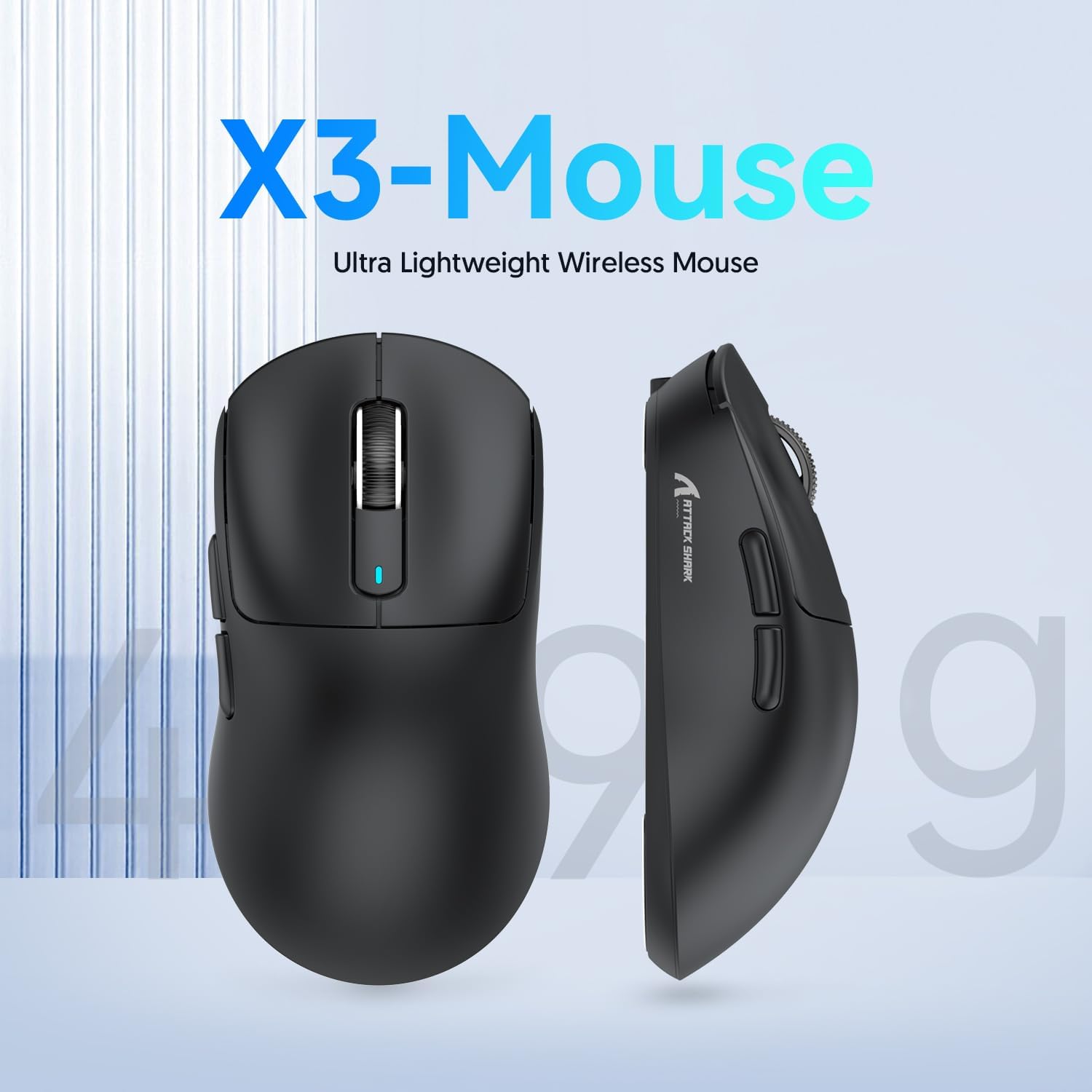
Bluetooth gaming mice shine in several practical scenarios. Universal compatibility means they work across Windows, macOS, Linux, iPads, and Android devices without any adapter. The dongle-free experience preserves your USB ports for other peripherals, which is particularly valuable on laptops with limited connectivity options. Multi-device switching is another compelling feature, as many Bluetooth mice let you pair with two or three devices simultaneously and toggle between them with a button press, perfect for users who shift between a gaming PC and a work laptop. On the downside, latency remains the primary concern for competitive gamers. Even with Bluetooth 5.0, most mice exhibit measurable input delay compared to USB receiver alternatives, and this gap becomes noticeable in twitch shooters or rhythm games. Interference from other Bluetooth peripherals, Wi-Fi routers, and nearby electronics can cause occasional cursor stuttering or missed inputs. Battery drain also increases substantially when manufacturers push Bluetooth polling rates higher to reduce lag, partially negating the technology's efficiency advantage.
USB Receiver (2.4GHz) Technology for Wireless Gaming Mice
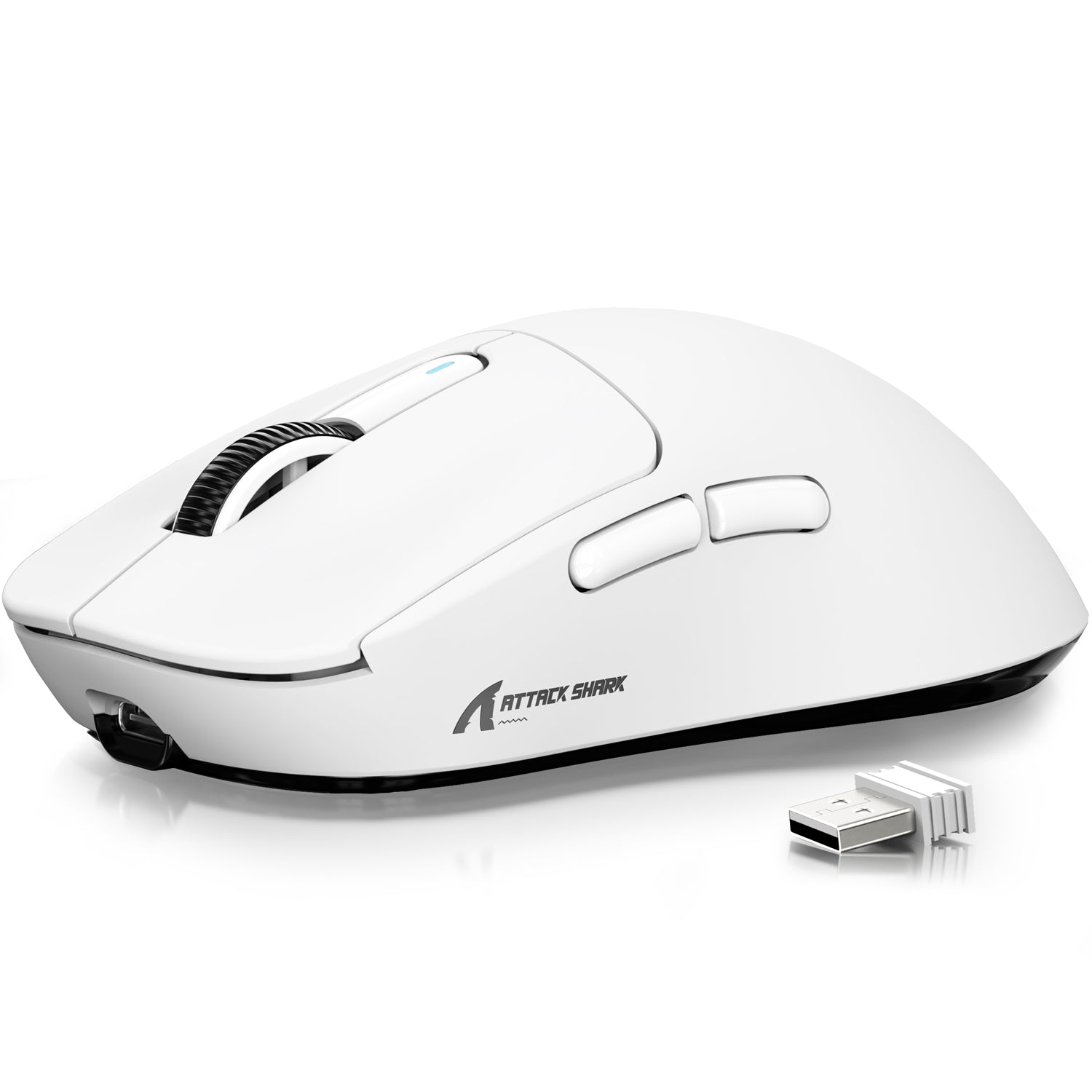
A dedicated 2.4GHz USB receiver creates a private wireless channel between your mouse and computer, bypassing the shared protocols that Bluetooth relies on. The small dongle plugs into an available USB port and communicates directly with the mouse using a proprietary radio frequency signal optimized for speed. Unlike Bluetooth's standardized approach, manufacturers engineer these receivers specifically for gaming performance, tuning the firmware to minimize transmission overhead and maximize responsiveness. The polling rate, which determines how frequently the mouse reports its position to the computer, typically reaches 1000Hz through a USB receiver, meaning the cursor position updates every single millisecond. Some newer models push this even further to 2000Hz or 4000Hz for ultra-smooth tracking. The receiver also incorporates anti-interference technology that dynamically switches between available frequency channels when it detects congestion from Wi-Fi routers or other 2.4GHz devices nearby. This adaptive frequency hopping happens transparently and maintains connection stability even in environments saturated with wireless signals. The dedicated nature of the connection means the receiver handles communication with only one device, dedicating all its bandwidth and processing to ensuring your mouse inputs arrive with minimal delay and zero dropped packets.
Pros and Cons of USB Receiver Mice
The performance advantages of USB receiver mice are substantial for gaming. Latency consistently measures below 1ms in modern implementations, making these connections virtually indistinguishable from wired mice in blind testing. The dedicated channel provides rock-solid reliability during extended gaming sessions, with no random disconnections or cursor jumps that can plague shared wireless protocols. Interference resistance is superior because the proprietary signal processing is purpose-built to maintain clean communication in crowded wireless environments. However, the USB receiver approach comes with trade-offs worth considering. The dongle occupies a USB port permanently, which frustrates laptop users already short on connectivity. Losing the tiny receiver effectively renders the mouse useless until a replacement arrives, and not all manufacturers sell replacements separately. These mice are generally locked to a single device at a time, so switching between computers requires physically moving the dongle. Travel also introduces risk since the small receiver can easily slip out of a bag or get damaged when left protruding from a laptop port.
Key Differences: Bluetooth vs. USB Receiver for Gaming
When you place Bluetooth and USB receiver technology side by side, the distinctions become clear across every metric that matters for gaming performance. Latency represents the most significant gap between these two approaches. A wireless gaming mouse connected through a dedicated 2.4GHz receiver typically delivers sub-1ms response times at a 1000Hz polling rate, meaning your movements register on screen almost instantaneously. Bluetooth connections, even with the latest 5.0 standard, generally operate at 125Hz polling with an 8ms reporting interval. Some gaming-optimized Bluetooth implementations push closer to 2-4ms, but they still can't match the consistency of a proprietary receiver in competitive scenarios where split-second reactions determine outcomes.
Reliability during extended sessions tells a similar story. USB receivers maintain a dedicated communication channel that doesn't share bandwidth with your keyboard, headset, or smartwatch. Bluetooth mice must compete for airtime on a protocol designed to accommodate dozens of simultaneous connections, which occasionally manifests as micro-stutters during heavy wireless traffic. In a clean environment with few competing devices, this difference shrinks considerably, but tournament settings or crowded apartments with numerous active Bluetooth peripherals can expose the vulnerability.
Compatibility and setup ease favor Bluetooth decisively. Pairing requires no physical hardware beyond what's already built into your computer, and switching between a gaming desktop and a work laptop takes seconds rather than requiring you to unplug and move a dongle. For users who operate across multiple devices throughout their day, this flexibility is genuinely valuable. USB receivers lock you to whichever machine currently hosts the dongle, though some manufacturers now offer software that lets one receiver handle multiple peripherals from the same brand.
Battery life comparisons depend heavily on usage patterns. Bluetooth Low Energy excels during productivity tasks and casual browsing, often delivering weeks of use between charges. However, when manufacturers boost Bluetooth polling rates for gaming, power consumption rises sharply and narrows the efficiency gap. A 2.4GHz connection running at 1000Hz consumes more power by default, but many modern mice intelligently throttle their polling rate during non-gaming activities to compensate. In practice, most high-end wireless gaming mice with USB receivers still achieve 60-80 hours of continuous gaming use, which proves more than adequate for the vast majority of players.
Troubleshooting Common USB Receiver Issues
Even the best 2.4GHz wireless gaming mice occasionally encounter connectivity hiccups, but most problems have straightforward fixes. If you experience random disconnections or cursor freezing, start by checking receiver placement. USB ports on the back of a desktop tower put the receiver far from your mouse with potential obstructions in between. Move the dongle to a front USB port, or better yet, use a USB extender cable to position the receiver on your desk within clear line of sight of the mouse. This single change resolves the majority of signal stability complaints.
When interference from other wireless devices causes tracking inconsistencies, identify and relocate competing 2.4GHz sources. Wi-Fi routers positioned directly beside your mouse pad, wireless speakers, and even USB 3.0 devices emit electromagnetic noise that can disrupt the signal. Maintain at least a few inches of separation between the receiver and any USB 3.0 port or hub. Updating your mouse firmware through the manufacturer's software often introduces improved frequency hopping algorithms that better handle congested environments.
Driver conflicts occasionally surface after Windows updates or when multiple mouse utilities compete for control. Uninstall any conflicting peripheral software, then remove the mouse from Device Manager and reconnect the receiver to force a clean driver installation. If the receiver still behaves erratically, test it in a different USB port, avoiding hubs or adapters that may introduce communication delays. For persistent issues, resetting the pairing between mouse and receiver through the manufacturer's re-pairing utility typically restores reliable operation.
How to Choose: Bluetooth or USB Receiver for Your Needs
Your ideal connection type depends entirely on how you game and work. Competitive players who prioritize reaction time in shooters or MOBAs should choose a USB receiver without hesitation, as the latency advantage is measurable and meaningful at high skill levels. Casual gamers who also use their mouse for productivity across multiple devices will appreciate Bluetooth's flexibility and port-free convenience. If you travel frequently with a laptop, Bluetooth eliminates the risk of losing a tiny dongle. Budget-conscious buyers should note that many mid-range mice now include both connection options, letting you switch between Bluetooth for daily tasks and the USB receiver when gaming demands peak performance. Brands like ATTACK SHARK have embraced this dual-mode approach across their wireless gaming mouse lineup, giving users the flexibility to choose their connection method based on the situation. For single-PC desktop setups dedicated to gaming, the USB receiver remains the clear winner.
Bluetooth vs. USB Receiver: Which Connection Wins for Gaming
The choice between Bluetooth and a USB receiver for your wireless gaming mouse ultimately comes down to what you value most in your setup. USB receivers deliver superior performance where it counts for gaming: sub-1ms latency, rock-solid reliability, and interference resistance that keeps your inputs consistent during intense competitive play. For anyone who takes their gaming seriously, particularly in fast-paced shooters or precision-dependent titles, the dedicated 2.4GHz connection remains the gold standard that closely mirrors a wired experience. Bluetooth, meanwhile, earns its place as the versatile everyday companion. Its universal compatibility, dongle-free convenience, and seamless multi-device switching make it ideal for users who blend gaming with productivity across different machines. The technology has improved considerably and serves casual gaming perfectly well. Many modern mice now include both options, which represents the best of both worlds for most users. Connect via the USB receiver when you're gaming at your desk, then switch to Bluetooth when you grab your laptop for travel or work. Assess your primary use case honestly: if competitive performance is non-negotiable, prioritize the USB receiver. If flexibility and convenience drive your workflow, Bluetooth delivers genuine everyday value without sacrificing too much responsiveness.